Skip to content

Open-Source AI Desktop Client & Gateway

Client de bureau léger et performant, multiplateforme : chat IA + AI Agent + passerelle IA

macOS Apple Silicon & Intel · Windows x64 · Linux · AGPL-3.0— Tous les téléchargements
100% Local-first · Chiffrement AES-256
50+ Modèles et fournisseurs directs
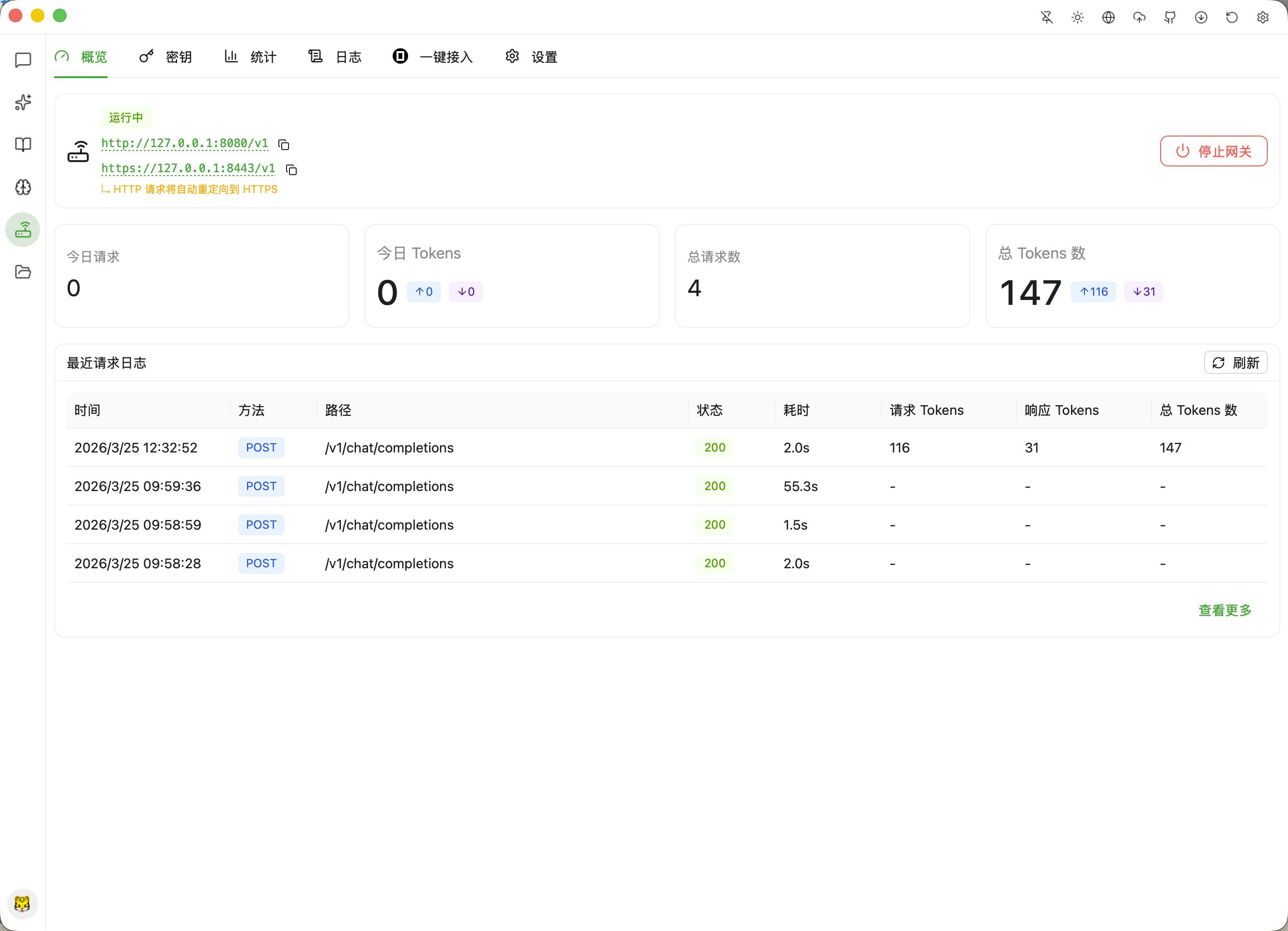
127.0.0.1 Passerelle API IA intégrée
Multiplateforme macOS · Windows · Linux
AQBot Core Engine · Desktop App Architecture
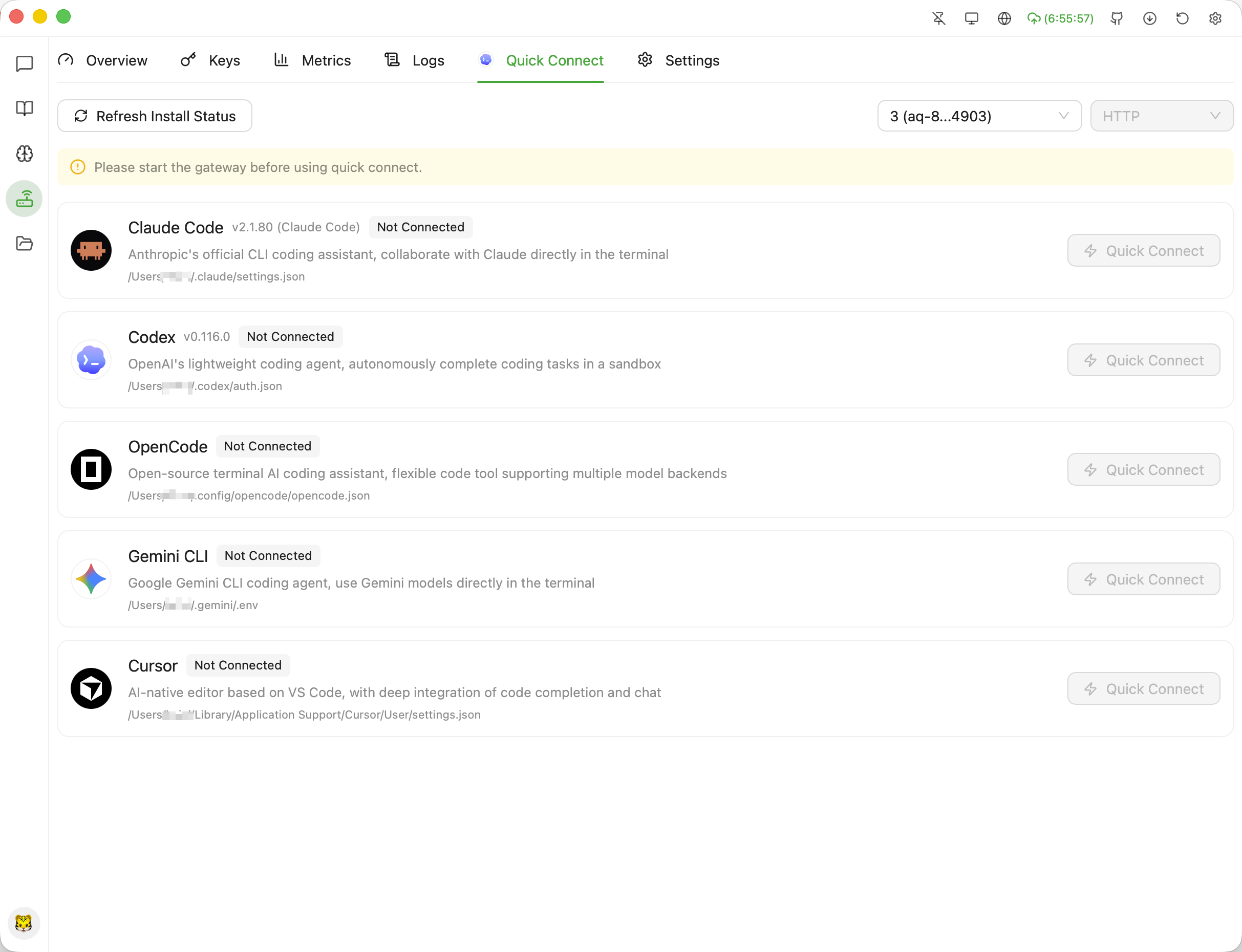
Click left navigation icons to explore actual layout architectures: Chat, Agent, Knowledge Base, Gateway, Roles, and Skills
AQBot — Desktop AI Client & Gateway
v0.0.152 127.0.0.1:8080
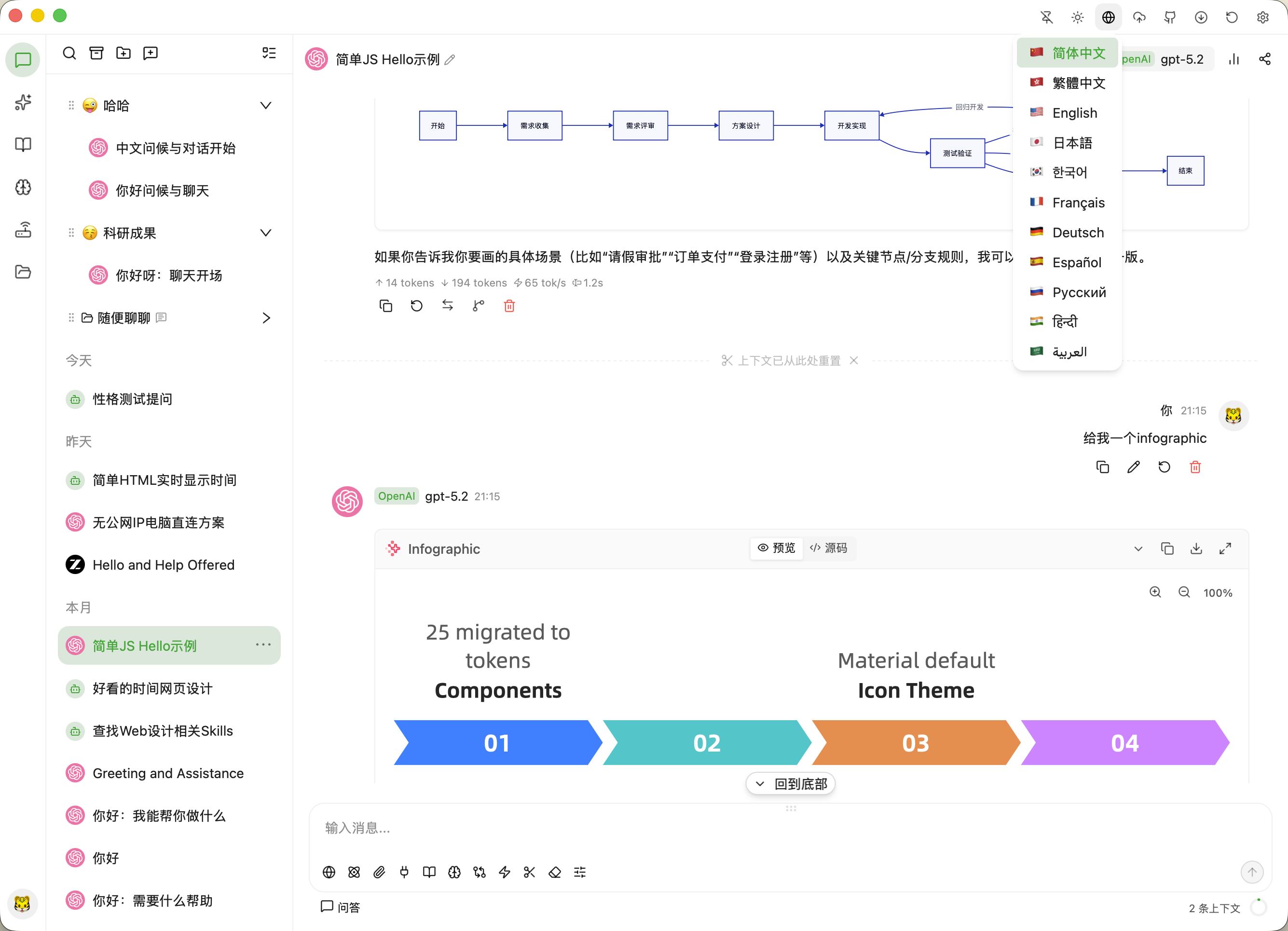
Simple JS Hello Example
OpenAIgpt-5.265 tok/s · 1.2s
User21:15
Show me a system initialization flow architecture and code example.
OpenAI gpt-5.2↑ 14 tokens ↓ 194 tokens · 65 tok/s
Thinking Process (1.2s)

User requested a system architecture flow and token migration mockup. Structuring 4 stages of pipeline.

Infographic PipelinePreview / Source
01 开始配置
02 服务商接入
03 模型对齐
04 本地网关就绪
Type a message or command... (Enter to send)
WebAttachDeepThinkMCP

Native Desktop Experience

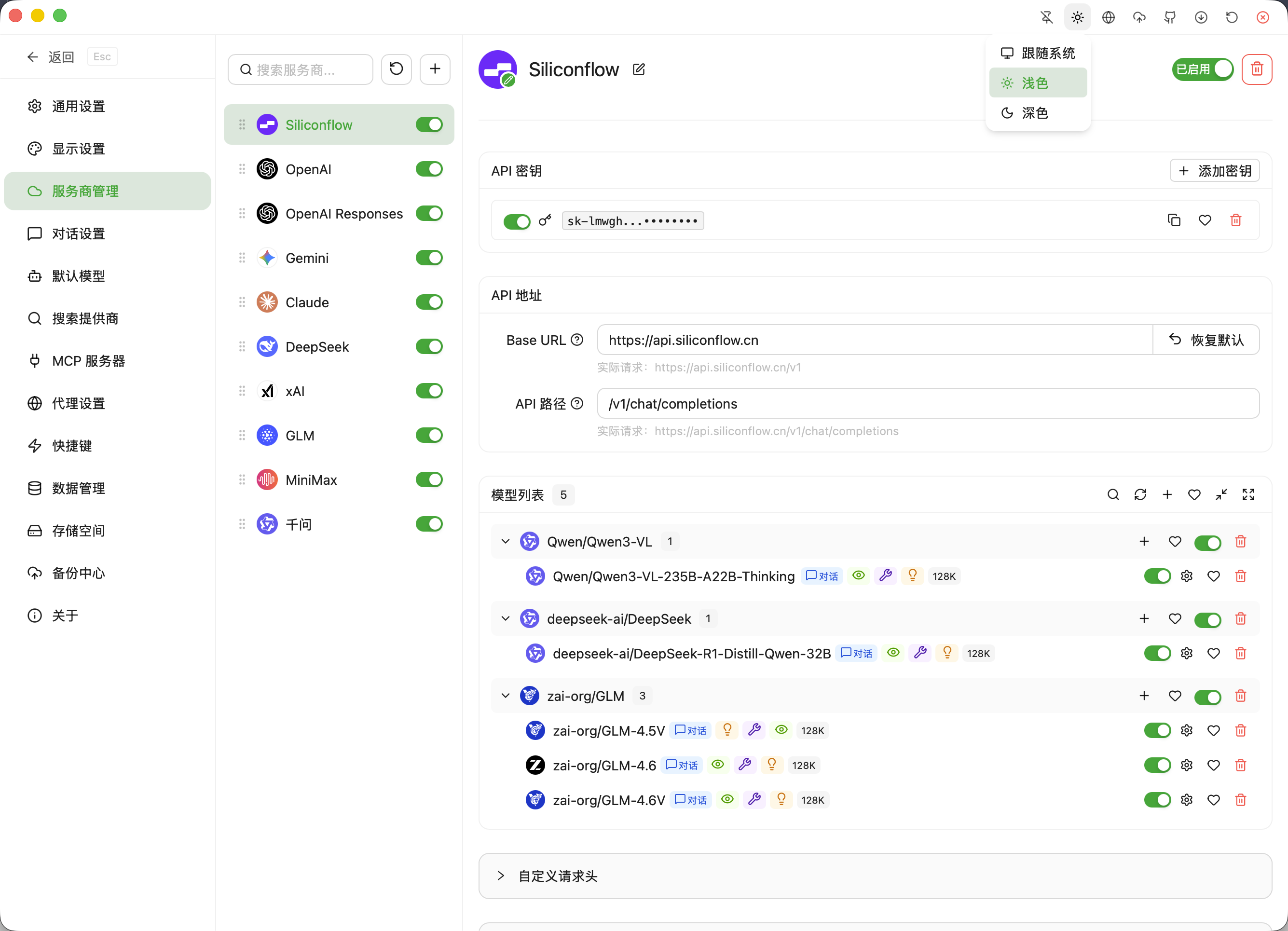
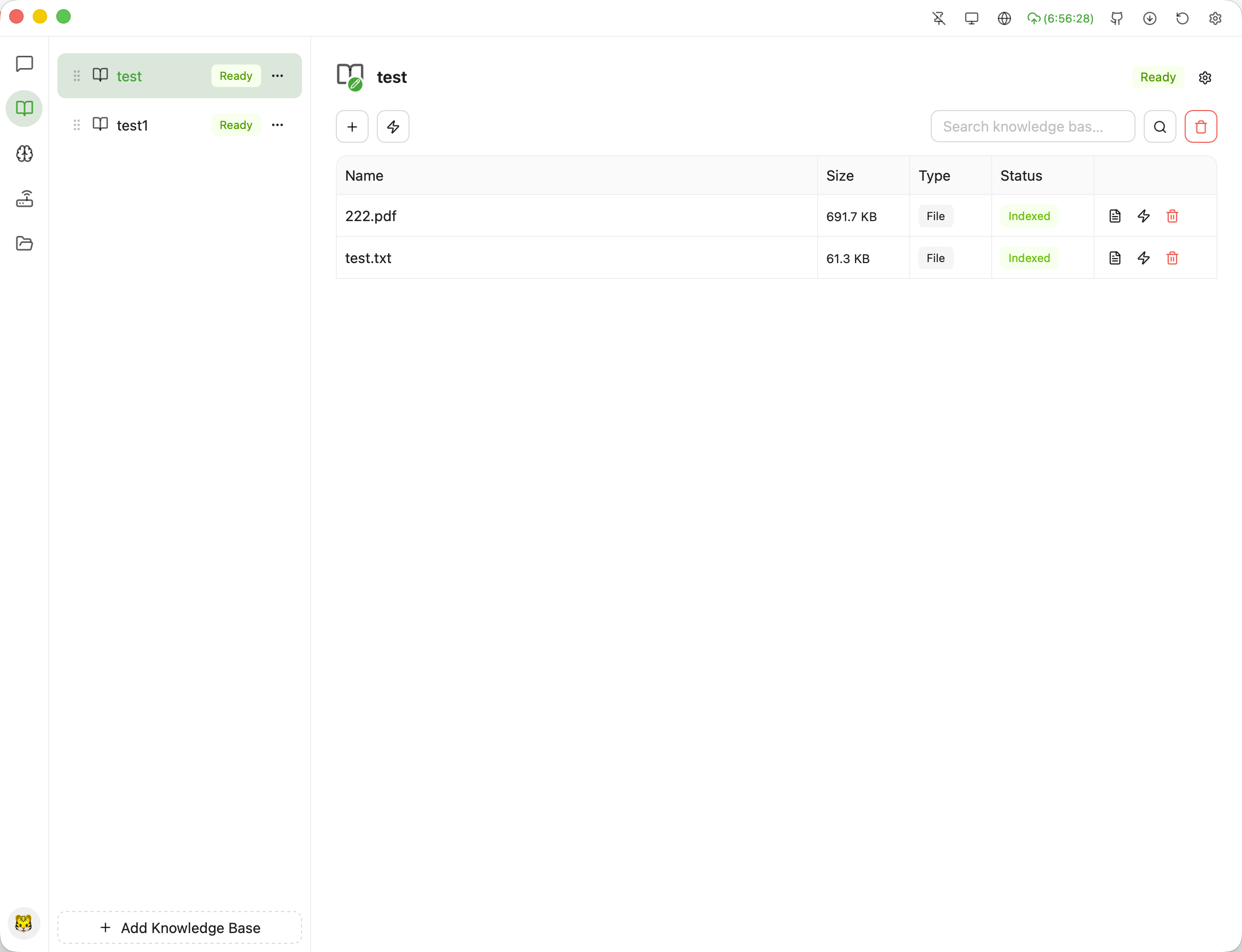
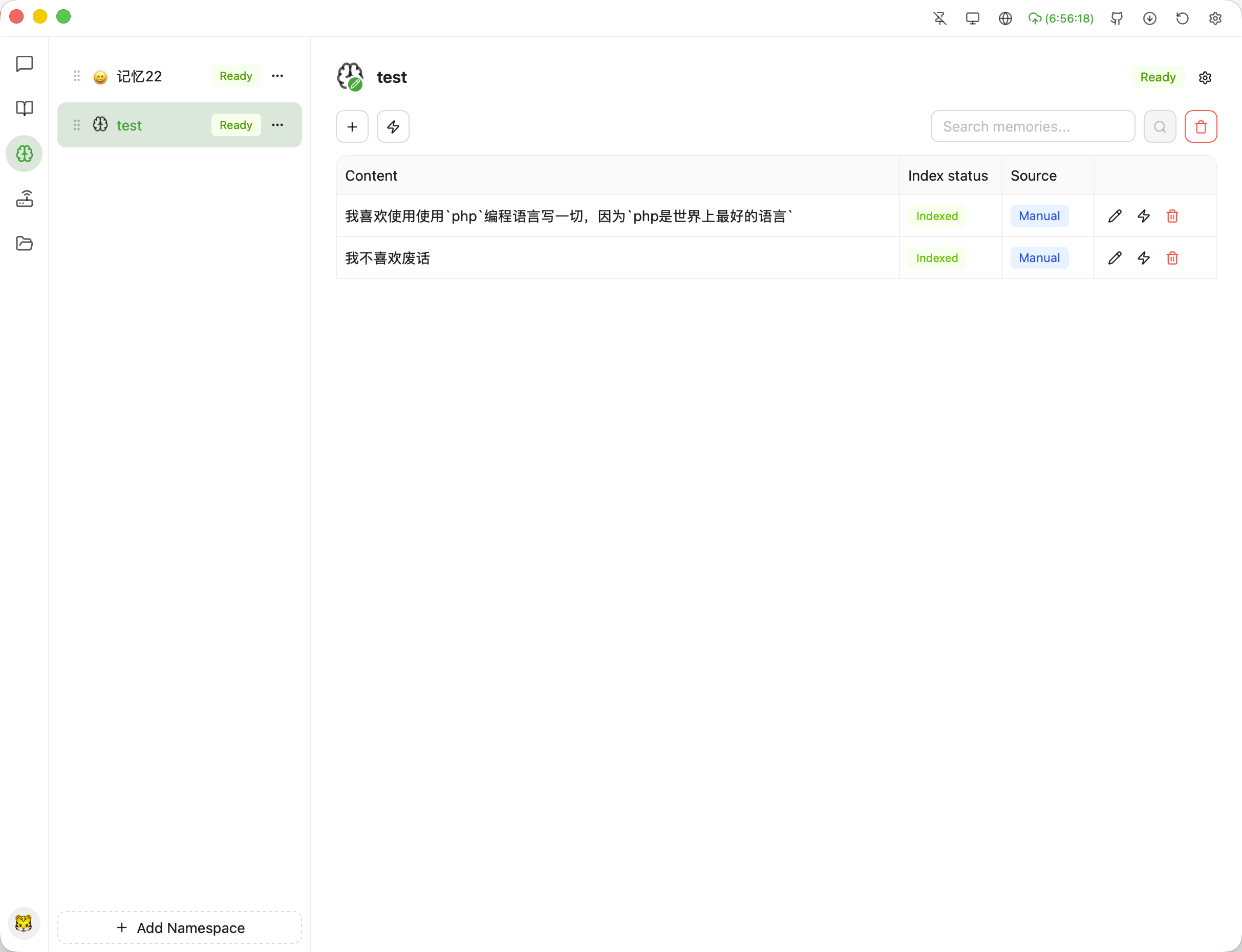
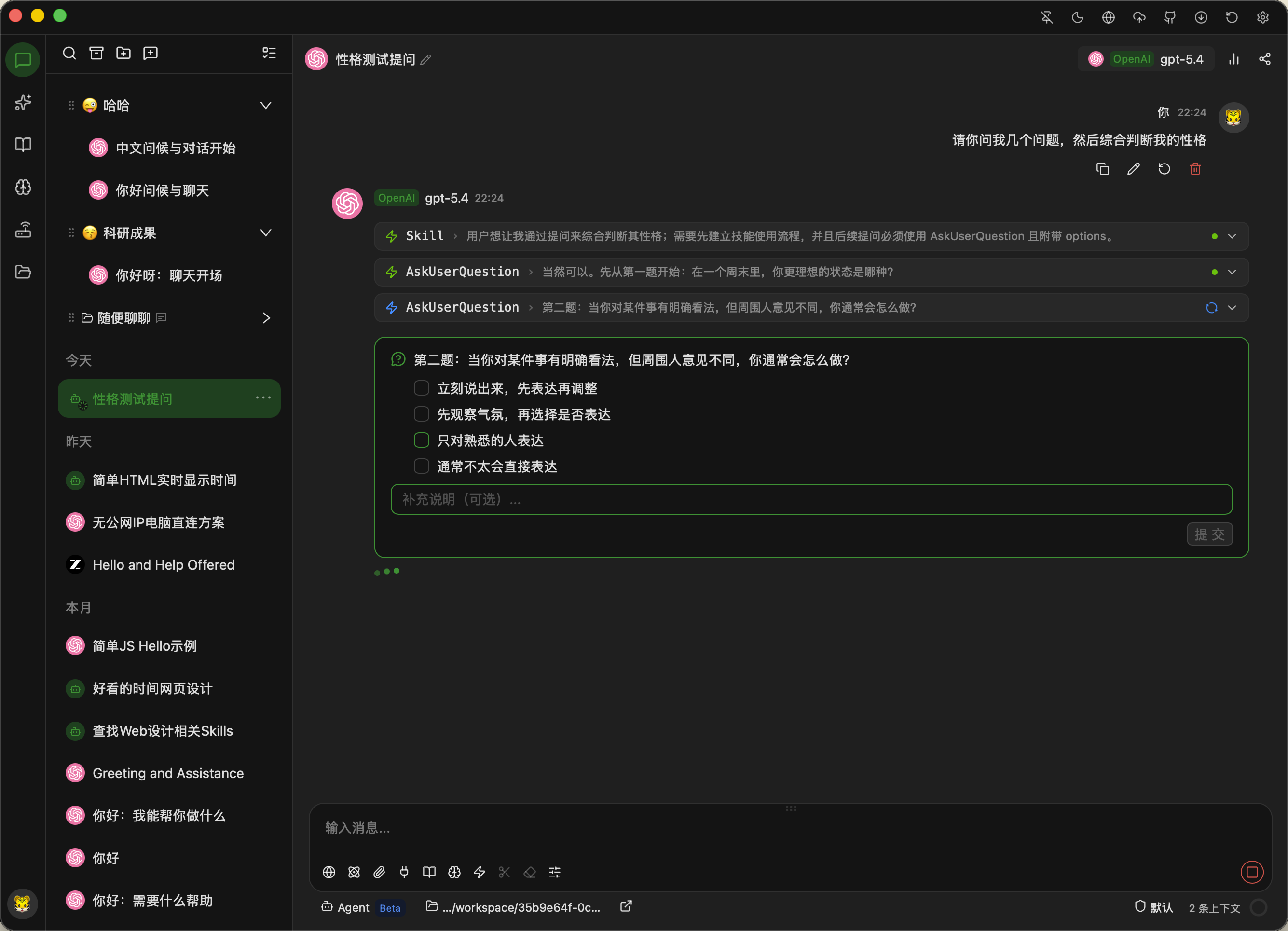
Clean layout, fluid workflow — multi-model routing, local knowledge base, and gateway status at a glance.

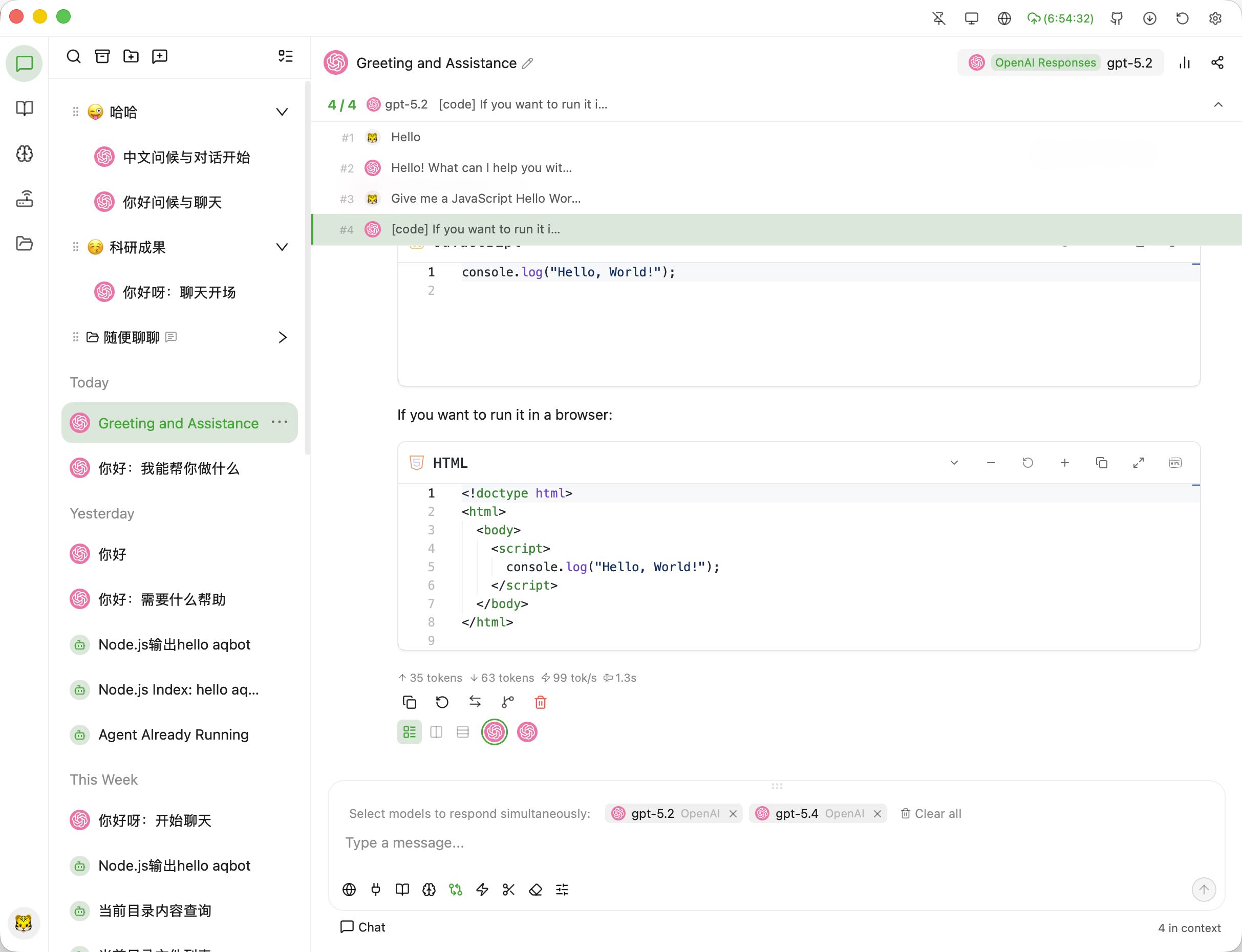
多模型对话与图表渲染
01 / 10
多模型对话与图表渲染
多服务商与自定义端点
本地向量知识库管理
会话记忆与角色设定
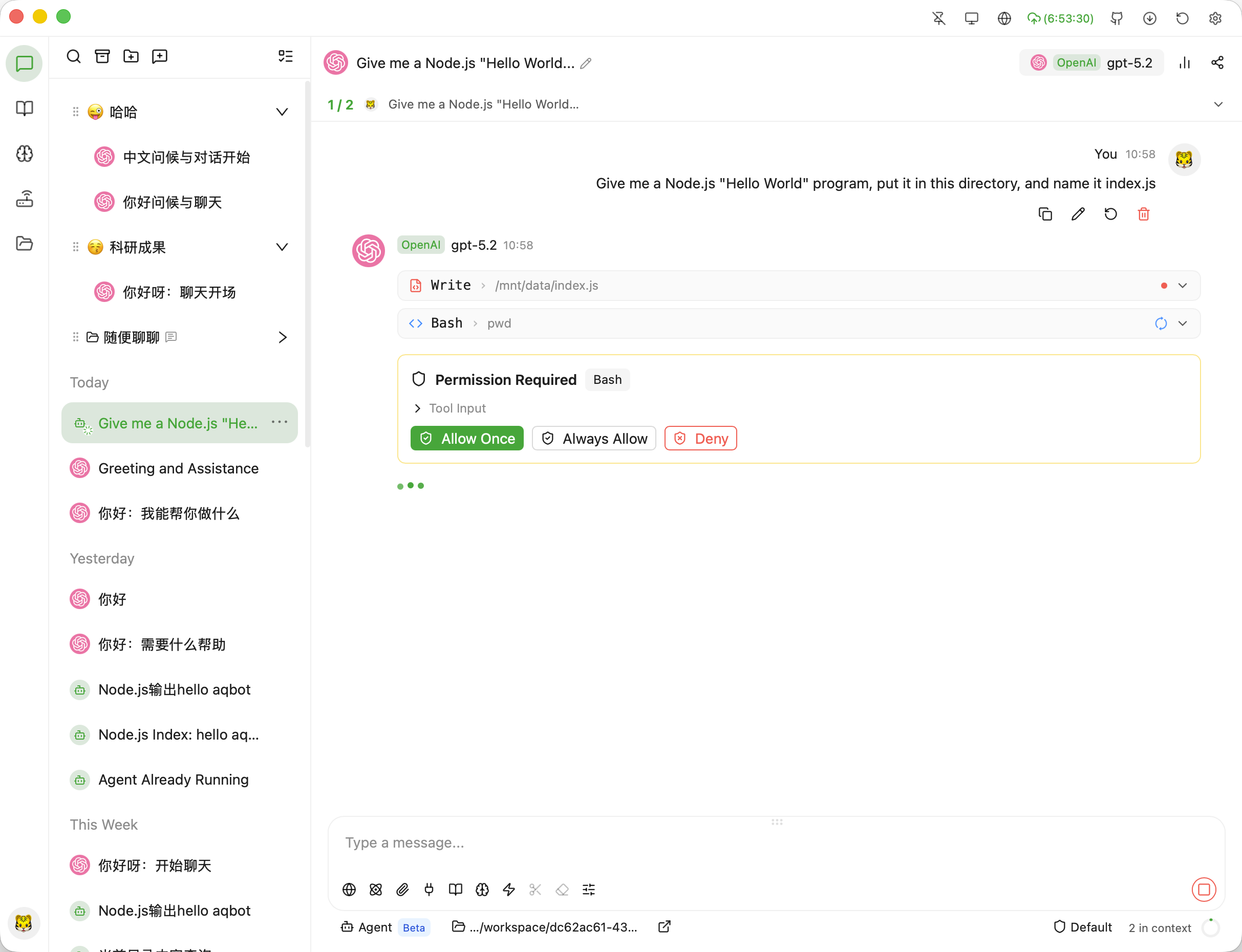
AI Agent 工具调用流
内置本地 API 网关
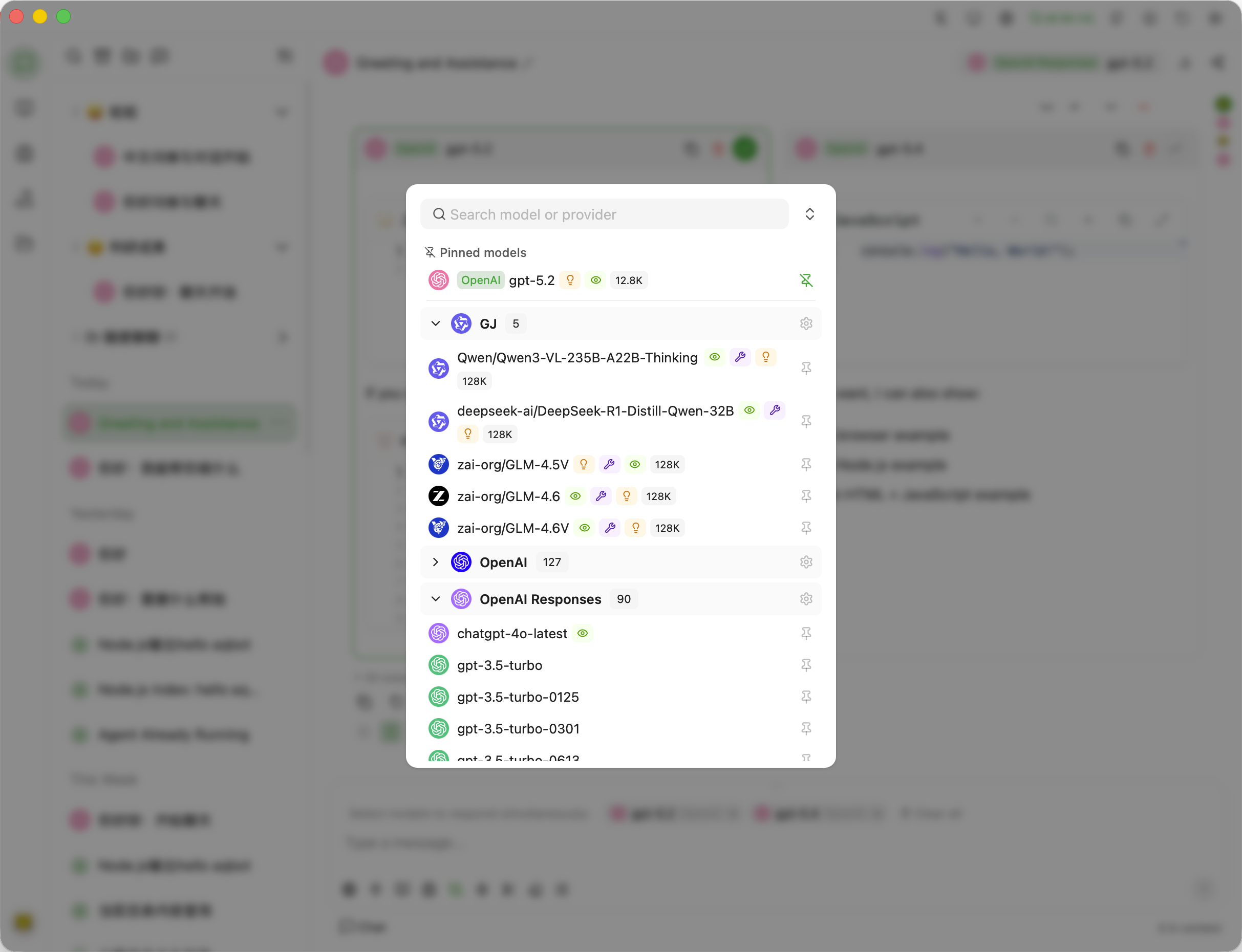
模型切换与参数配置
多会话分组与搜索
Agent 权限沙箱审批
网关概览与调用统计

Three steps to a private AI workspace

01

Download & Install

Available for macOS (Apple Silicon / Intel), Windows x64, and Linux distros. Fast native startup.

02

Connect Providers or Local LLMs

Plug in your OpenAI, Claude, DeepSeek API keys, or connect Ollama. Keys stay local and encrypted.

03

Enable Agent & Local Gateway

Multi-model parallel chat, MCP tools, sqlite-vec knowledge base, and local 127.0.0.1:8080 gateway.

Engineered for Developers and Power Users

Unified multi-model chat, autonomous Agent approval, local API gateway, and vector knowledge base in one native desktop app.

Start using AQBot today

Free and open-source. Local-first privacy, multi-model chat, autonomous Agent sandbox, and built-in API gateway.

  • 01Download and install for your OS (macOS, Windows, Linux)
  • 02Configure your API keys or local Ollama endpoints
  • 03Run multi-model chats and point your terminal tools to the local gateway